We’ve been using WiOn timers for several years now and really like their usability and reliability, both indoors and outdoors.
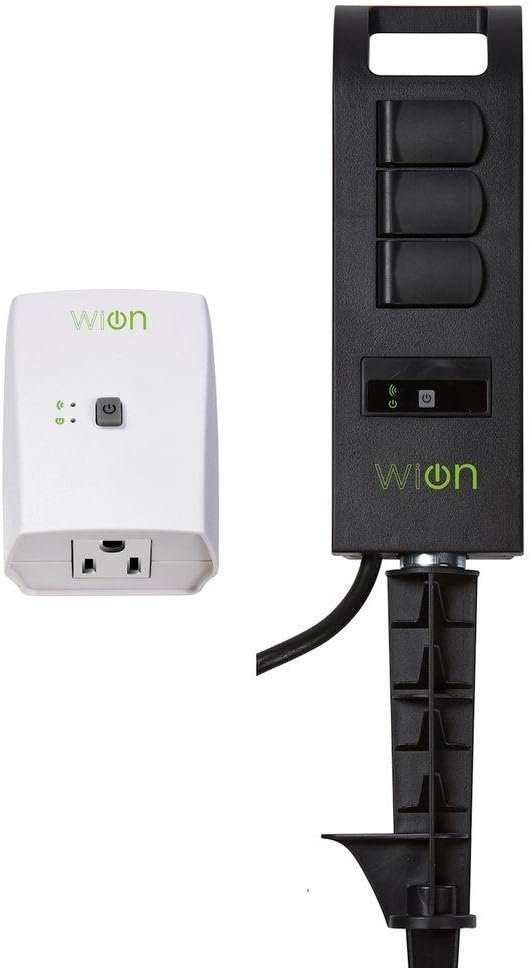
This particular package came with one indoor timer for one plug-in and one outdoor timer with a nice long cord, three weather-protected outlets, a stake to secure it to the ground, and a surprise D-handle to put it on a hook, which we don’t have now, but I can see one soon to keep the cord connections off the ground in our snowy climate this winter and higher than the reach of our sprinkler in summer.
Whew. Long sentence. I hope it was clear.
Although any unused outlets in the exterior timers have spring-loaded covers, the ones in use are exposed to the elements. Make sure your plugs are always pushed all the way in.
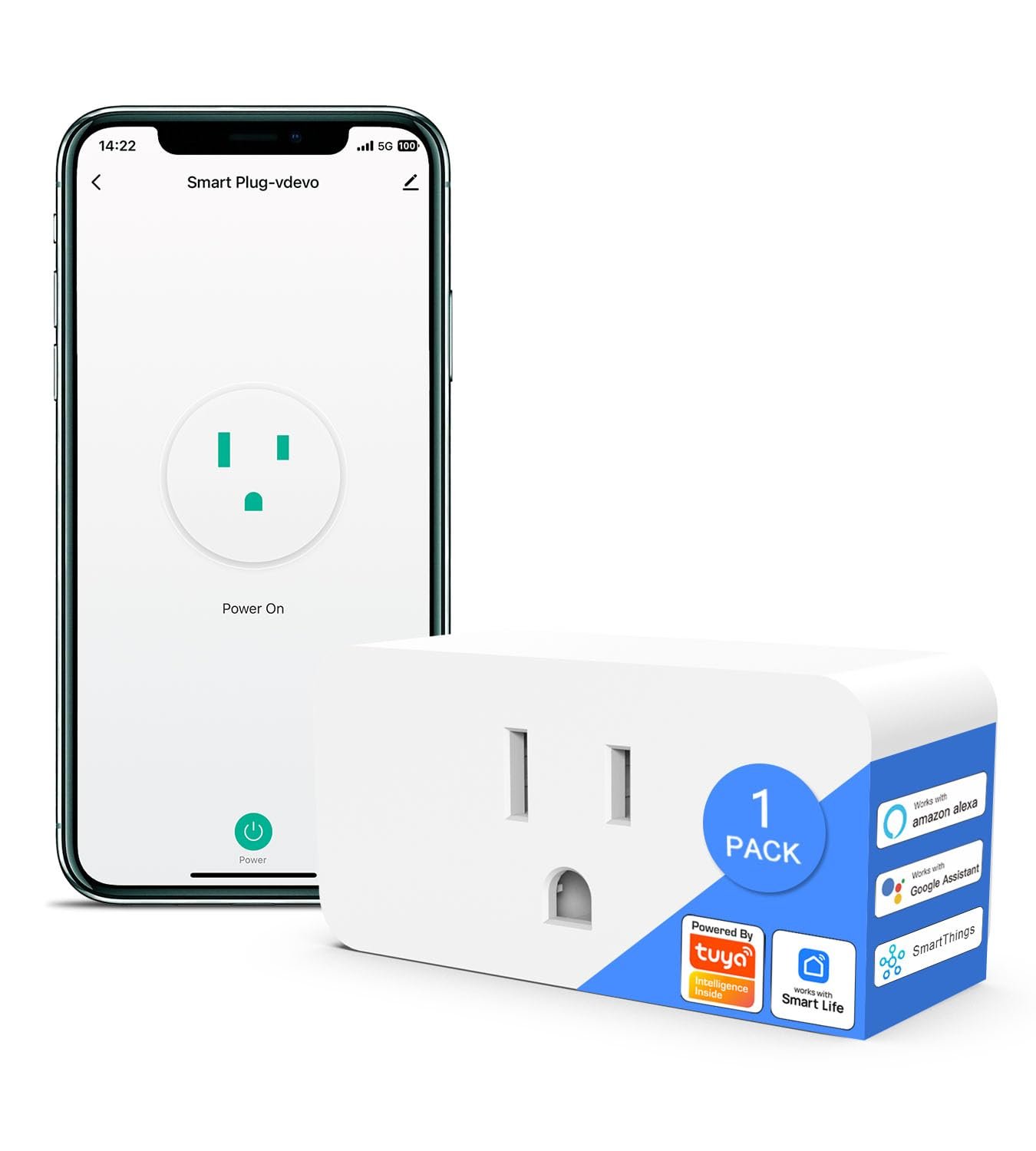
Once you’ve installed the WiOn app, you can name each timer and set its schedule. To set the schedule, open the app, highlight the name of the timer you want by scrolling it to the left to turn its icon green. Then you can edit each unit’s name and schedule. Hint: if you have more than one WiOn timer, set one up at a time—plug in one time, connect it to the app, name it and set it up. Then go on to your next timer.) There are additional options in the app, some of which I haven’t used yet (last photo). We have several timers, so it took us a few minutes to figure out how to edit a unit in the app: on the Home Screen, move the list clockwise and back to highlight the unit to edit. The name will be green when you can edit (next to last photo shows a highlighted name in the Home Screen).
The app is user-friendly and pretty intuitive except for the name-highlighting part, so you do not have to be an IT guru to set it up and use it. Because it is WiFi enabled with a fully-functional phone app, you can enable and edit on your phone even when you are not home. This is handy when we are away to turn on our electric Heattrak sidewalk mats (great company, excellent customer service; not a paid endorsement, just a highly-satisfied customer) at home, which we only want heating when needed to melt snow.
Another complicated grammatical construction. Homeschoolers: try to diagram it.
How we currently use WiOn:
* on-command to turn exterior heat mats on and off as needed
* set schedule for Christmas lights
* set schedule for pond pumps in garden water features during warmer weather
Another use could include lamps, but we have a smart house system, so may not need them for that. Although, come to think of it, there are lamps in our lower level bedroom for the grandkids…
Bottom Line— I highly recommend WiOn products. This dual-unit package in particular is a good value.



Denver gal –
Peter –
MiniDriver –
Amazon Customer –
K. McC. –
William Johnston –
Michael Sr. –
Tom W. –
Hugaxo –
RS –
Leo CY LAM –